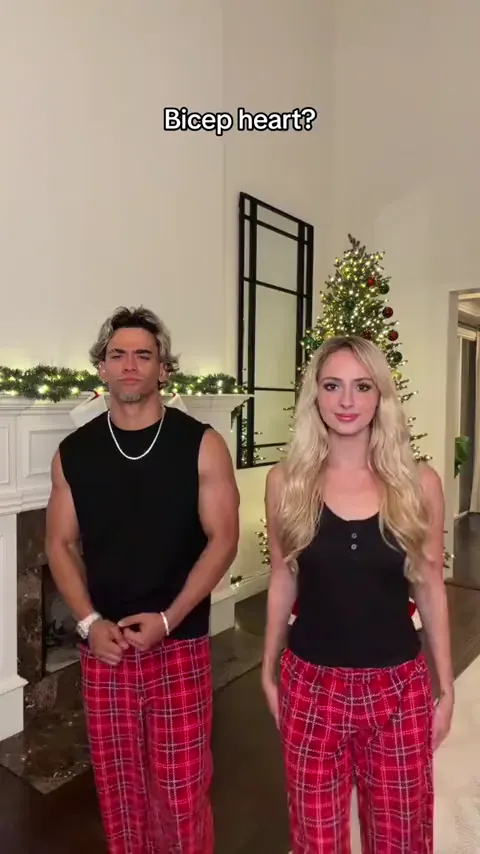
Bicep heart
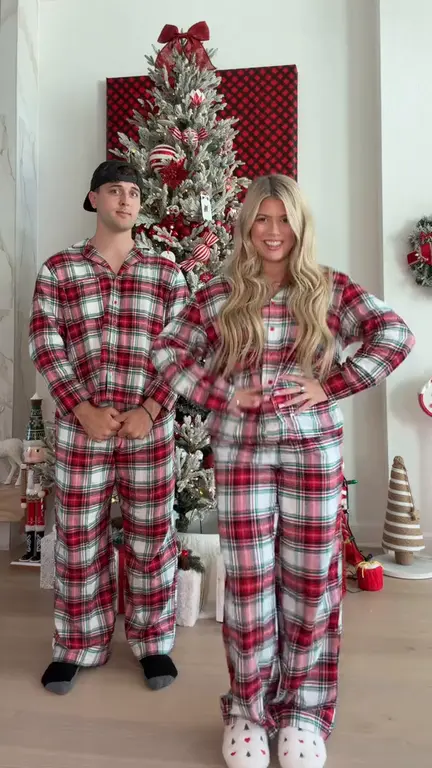
Put yourself and a friend in matching plaid pants and recreate the viral bicep heart pose with two photos.
Make thisMake a Christmas dance video from one or two photos and download a vertical MP4.
Use this Christmas dance video maker to replace one or both roles in the pajama dance template. Each 14.42-second video costs 30 credits.
Choose your video cast
720p MP4Add an authorized person or animal photo to either role, or add one to each. With one photo, only that role is replaced.
JPG / PNG / WEBP · max 10 MB per photo. Use one consenting adult or one animal per photo.
Selected template: 14.42s · 9:16 · 720p · 30 credits
Video generation costs 2 credits per reference second, rounded up to 5 credits. Templates up to 30 seconds are supported.
Generation usually takes 5–10 minutes once available. The workflow supports email delivery and one automatic retry.
Ref. 14.42s · ~30 credits · Result appears here
Preview a template, then select Make this to open its generator.
Turn one portrait into a dance with your sketch twin.
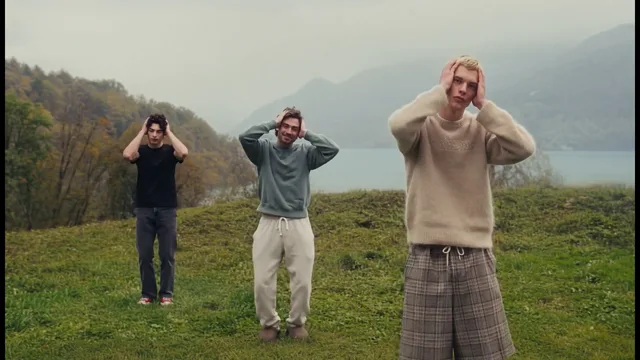
Make thisCast up to three dancers in the misty hilltop routine.
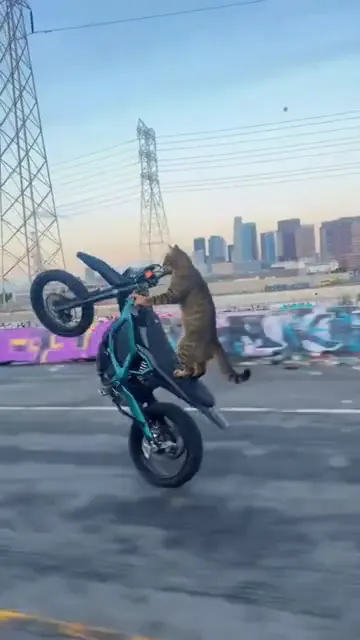
Make thisTurn one pet photo into a vertical Surron wheelie video.
Make thisRecreate the Deck the Halls Christmas dance with one or two photos and a reference clip.
Make thisPut yourself and a friend in matching plaid pants and recreate the viral bicep heart pose with two photos.
Make thisTurn one photo into a playful baby dance video with the moves from the reference clip.
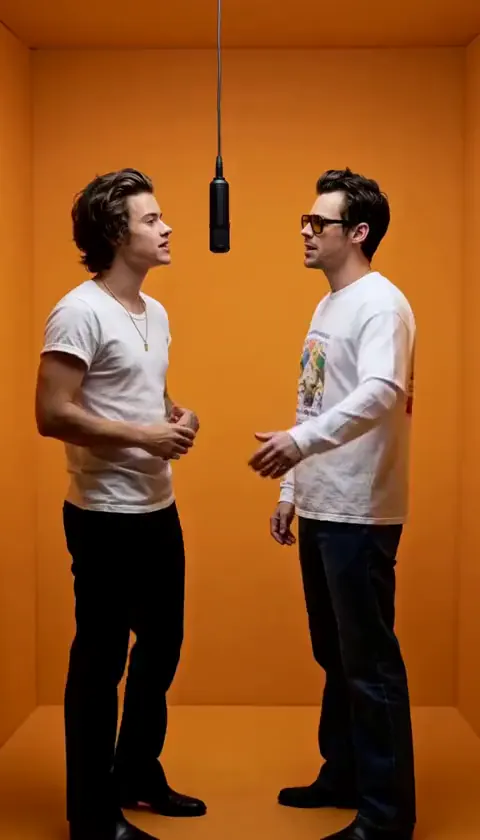
Make thisAdd two photos to put yourself and a friend in the orange booth and recreate the Hotel Lobby performance.
Make thisUpdated
— Updated the dance walkthrough with photo tips for both roles, holiday video ideas, and checks to make before sharing.
Deck the Halls AI turns one or two photos into a vertical Christmas dance video. The template follows two dancers in plaid pajamas in front of a Christmas tree. You can replace either dancer with one photo or use two photos to cast both roles.
Use the reference in the generator to plan who goes in each role.
Each generation costs 30 credits, whether you replace one dancer or both. You can preview the reference and save a draft for free.
Return to your draft and credit packsSee how to make an AI video from a reference or browse more short video ideas.
Use photos you have permission to upload and share. Play the whole clip and check that each subject appears in the intended role, especially when the dancers turn or overlap. Before posting on TikTok, Reels, or Shorts, check that you have permission to use the audio and follow the platform’s AI labeling rules.
Deck the Halls AI is a Christmas dance video maker. Upload one or two authorized photos to replace the dancers in a supplied reference. It produces a 14.42-second vertical 720p MP4 for 30 credits.
Yes. Assign two authorized photos, one per role, for a two-person cast. One photo changes only its role. Both options use the same 14.42-second template and cost 30 credits per generation.
You can watch the examples and save a draft for free. Each generation costs 30 credits, whether you use one photo or two.
The template follows the reference’s audio direction. For a different soundtrack, add audio you have permission to use in your editor after downloading the MP4.
The reference is 14.42 seconds, 9:16, and 720 × 1280, with 720p MP4 output. JPG, PNG, or WebP photos can be 10 MB each. Estimated processing is 5–10 minutes once available.
The template follows the two dancers in plaid pajamas in front of a Christmas tree. The generator preview shows the exact timing and choreography used for the edit.
Yes. Assign a clear photo of your pet to the left or right dancer. A photo that shows the pet’s eyes and markings makes it easier to recognize them in the finished clip.
Yes. Download the vertical MP4, then add a greeting in your video editor before sending it as a holiday message.
Choose one or two photos for your holiday video.
Make my Christmas dance video