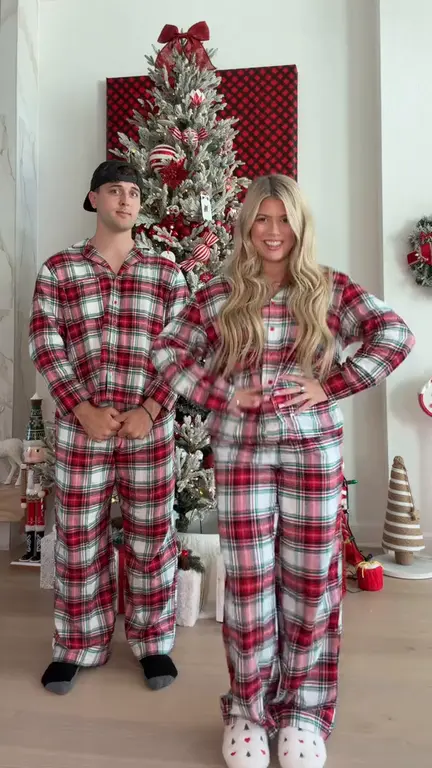
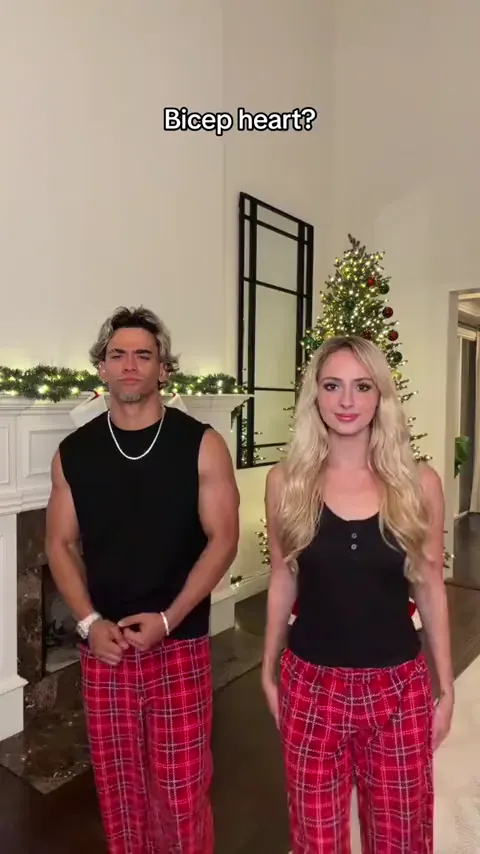
Bicep heart
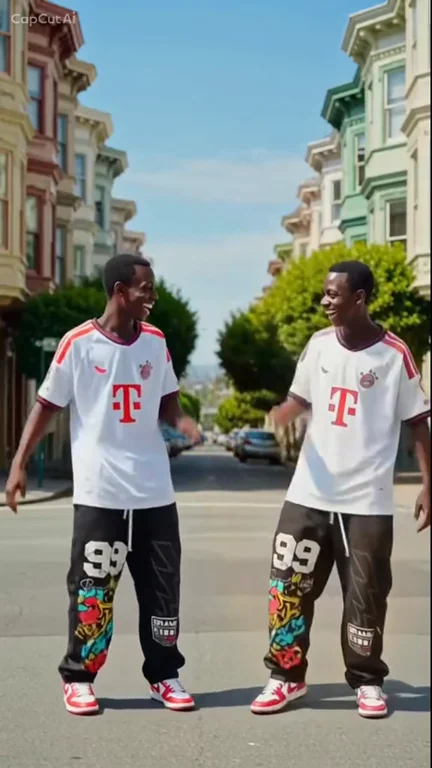
Put yourself and a friend in matching plaid pants and recreate the viral bicep heart pose with two photos.
Make thisPut yourself in the misty hilltop dance from the Wassup in a Minute AI trend. Upload up to three portraits to replace the left, center, or right dancer and download a 720p MP4.
One to three portraits · 16:9 MP4 at 720p · 30 credits per generation
Choose your video cast
720p MP4Add one to three portraits. Each photo replaces the dancer in its slot.
JPG / PNG / WEBP · max 10 MB per photo. Use one consenting adult or one animal per photo.
Selected template: 15s · 16:9 · 720p · 30 credits
Video generation costs 2 credits per reference second, rounded up to 5 credits. Templates up to 30 seconds are supported.
Generation usually takes 5–10 minutes once available. The workflow supports email delivery and one automatic retry.
Ref. 15s · ~30 credits · Result appears here
Preview a template, then select Make this to open its generator.
Turn one portrait into a dance with your sketch twin.
Make thisCast up to three dancers in the misty hilltop routine.
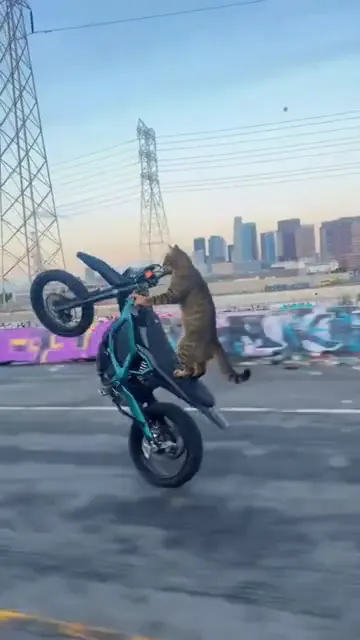
Make thisTurn one pet photo into a vertical Surron wheelie video.
Make thisRecreate the Deck the Halls Christmas dance with one or two photos and a reference clip.
Make thisPut yourself and a friend in matching plaid pants and recreate the viral bicep heart pose with two photos.
Make thisTurn one photo into a playful baby dance video with the moves from the reference clip.
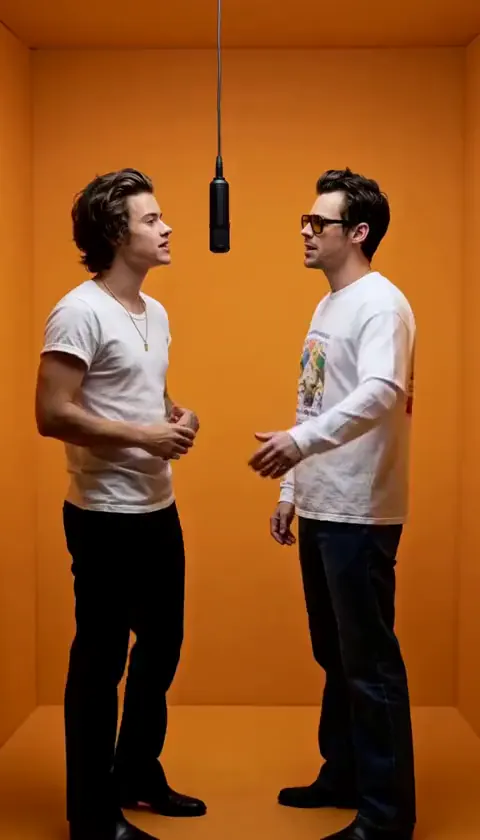
Make thisAdd two photos to put yourself and a friend in the orange booth and recreate the Hotel Lobby performance.
Make thisUpdated
— Added larger autoplay previews with sound controls and separate photo slots for the left, center, and right dancers.
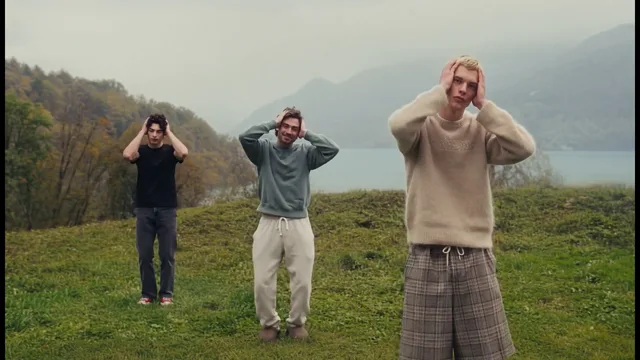
The trio starts apart on a foggy slope and walks toward the camera. The hands rise near the head as the dancers start to sway. The center dancer points both thumbs toward their chest before the group settles into matching side steps.
The first clip guides your render. The other previews show how the trend can look with different people or framing. Media.io’s hilltop trend page describes the choreography and shows the two original previews. The third example is from TokClip.
Pick a sharp, front-facing image with a relaxed expression and clear eyes. Leave room around the hair and shoulders. Avoid group selfies, deep shadows, sunglasses, and hands in front of the face. If your phone saved the portrait as HEIC, export it to JPG before uploading.
Use a photo you own or have permission to use. Ask the person in the photo before uploading it and again before posting the result. The AI follows the reference motion, but faces, hands, and outfit details can shift between shots. Replay the walk-in and the thumbs gesture before sharing.
See how reference-guided AI video works or browse short video ideas for your next edit.
The hilltop version is a short group dance set on a foggy slope. The dancers walk in, sway with their hands near their heads, and step side to side after the lead points both thumbs toward their chest.
Watch the first preview, then assign one to three JPG, PNG, or WebP portraits up to 10 MB each. Sign in, generate, and review the 720p MP4 before downloading.
Yes. Put one portrait in each of the left, center, and right slots. You can also replace just one or two dancers; empty slots keep the original performers.
This page makes the live-action-style hilltop dance. The anime sway is a separate interpretation of the Wassup in a Minute trend, with illustrated streetwear characters against a plain background.
You can create the hilltop video in your browser. The template supplies the scene and movement, so you do not have to write a prompt or film yourself dancing. A video editor is optional for captions, crops, or music.
The preview clips have audio you can toggle. The generated video does not include the preview soundtrack. Add audio you have permission to use or choose a sound available to your account in the app where you post.
The example videos are free to watch. Making a personalized video requires an account and costs 30 credits per generation.
The generator exports a 720p MP4 using the 16:9 reference framing. Review faces and hands before posting, and preview any crop in your social app so the side dancers remain visible.
Add up to three clear portraits and preview the result before posting.
Make my Wassup in a Minute video