
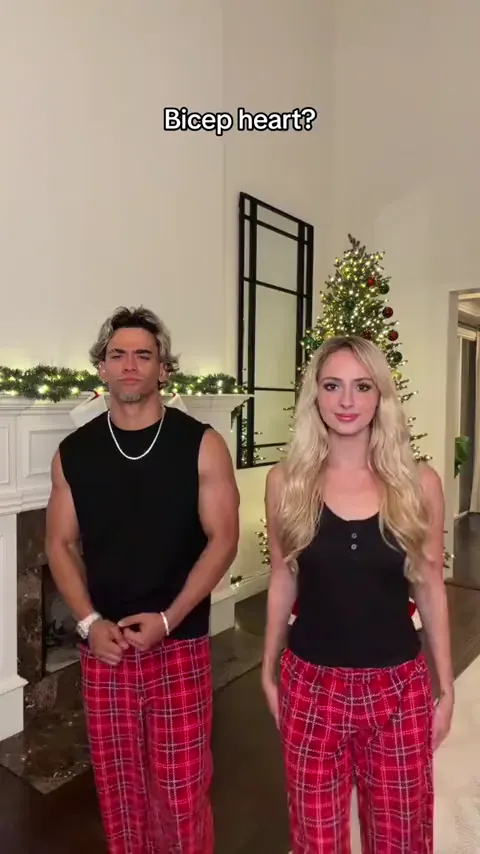
Bicep heart
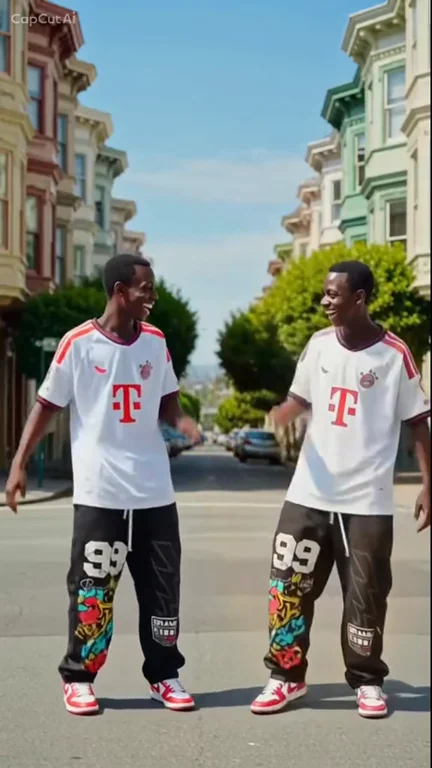
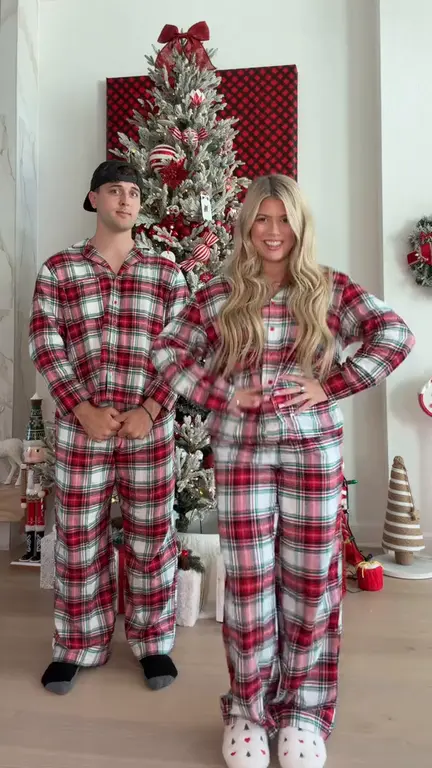
Put yourself and a friend in matching plaid pants and recreate the viral bicep heart pose with two photos.
Make thisUse the Damon Salvatore AI generator to put one portrait photo into the cinematic church entrance trend: the doors open, every seated guest turns to look, you make a casual sign of the cross, and the clip ends on the signature Damon Salvatore smirk. No prompt writing or filming needed.
One portrait · 11.04s · 9:16 MP4 at 720p · 25 credits per generation
Choose your video cast
720p MP4Add one authorized adult portrait for the church entrance lead.
JPG / PNG / WebP · up to 10 MB
Selected template: 11.04s · 9:16 · 720p · 25 credits
Video generation costs 2 credits per reference second, rounded up to 5 credits. Templates up to 30 seconds are supported.
Generation usually takes 5–10 minutes once available. The workflow supports email delivery and one automatic retry.
Ref. 11.04s · ~25 credits · Result appears here
Preview a template, then select Make this to open its generator.
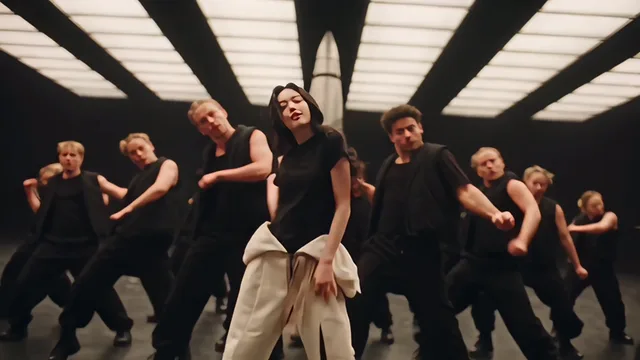
Lead a black-clad dance crew from one photo with the Like Jennie choreography.
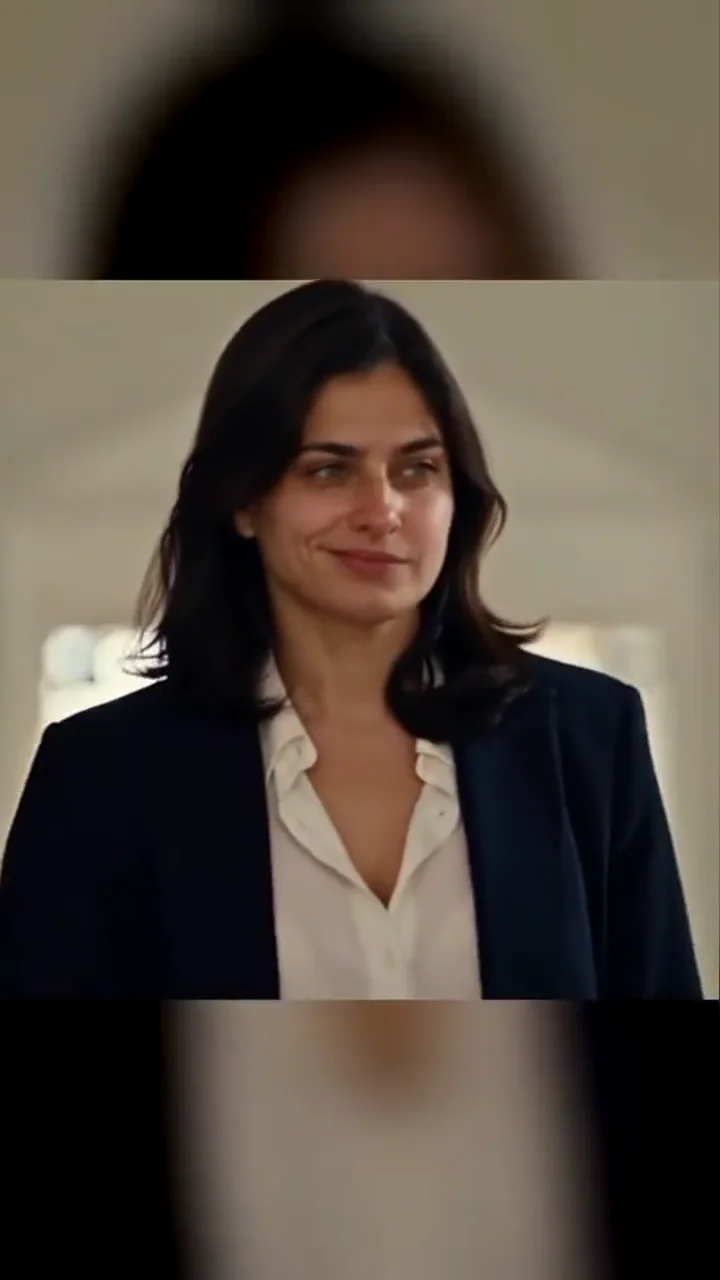
Make thisWalk into the church scene from one portrait with the sign of the cross and a Damon smirk.
Make thisTurn one portrait into a dance with your sketch twin.
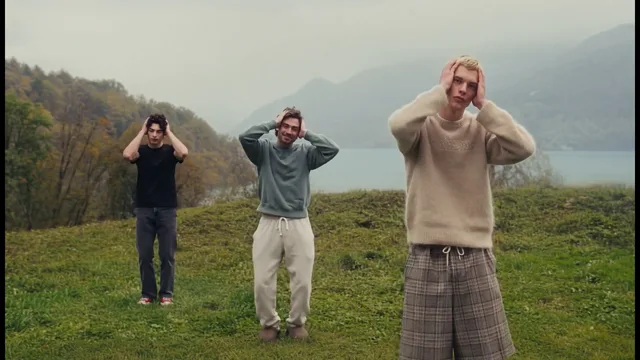
Make thisCast up to three dancers in the misty hilltop routine.
Make thisTurn one pet photo into a vertical Surron wheelie video.
Make thisRecreate the Deck the Halls Christmas dance with one or two photos and a reference clip.
Make thisPut yourself and a friend in matching plaid pants and recreate the viral bicep heart pose with two photos.
Make thisTurn one photo into a playful baby dance video with the moves from the reference clip.
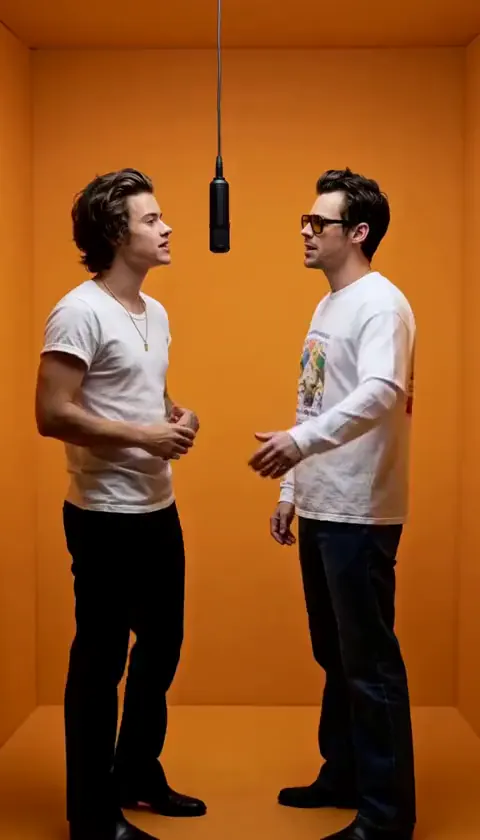
Make thisAdd two photos to put yourself and a friend in the orange booth and recreate the Hotel Lobby performance.
Make thisUpdated
— Launched the Damon Salvatore AI church entrance template with three sound-on examples, one-photo generation, and a silent vertical model reference.
The trend recreates a beat-for-beat dramatic arrival. Bright church doors open onto an aisle of seated guests. The lead walks in, the guests turn their heads, the lead dips fingers into the holy water font for a casual sign of the cross, and the camera pushes into a close-up ending on a calm, knowing smirk.
The three examples above show the same sequence with different leads — a black suit, a light blue shirt, and a dark tailored suit — so you can compare how face, hair, and outfit carry through the wide doorway shot and the ending close-up. This is a fan-made tribute to The Vampire Diaries; it is not affiliated with or endorsed by the show, its network, or the actor, so use photos you own or have permission to use.
For another one-photo character effect, try the Magic Double Dance AI sketch twin, the Cat on Ultra Bee AI pet wheelie, or the three-photo Wassup in a Minute AI hilltop trio. Read the general reference-guided AI video guide and browse short video ideas for your next post.
It is a one-photo video effect inspired by Damon Salvatore’s church entrance in The Vampire Diaries. Your portrait replaces the lead of a prepared clip: the doors open, guests turn back, the lead makes a casual sign of the cross, and the scene ends on a quiet, knowing smirk. It is a fan-made creative effect, not an official scene or an actor-endorsed product.
The moment fans reference is the memorial service in season 4, episode 2, “Memorial.” The setting is a church memorial rather than a wedding. This template recreates only the church entrance; the car and night montage clips in other edits are separate fan variations.
One. Upload a single, sharp portrait of one adult. A front-facing, waist-up photo with both eyes visible and even natural light works best. Avoid sunglasses, hands over the mouth, group shots, heavy filters, and extreme angles. You do not need a church background or formal outfit — the template supplies both.
The trend started with moody, low-light edits built around the Damon smirk. The church entrance version adds a full narrative: the bright doorway, the guests turning around, the holy-water sign of the cross, and the smirk as the closing close-up. This page generates the cinematic church entrance, not a standalone smirk montage.
No. The reference clip already contains the scene, camera moves, timing, and gestures, so you only upload a photo and generate. Improving the source portrait helps identity consistency far more than tweaking prompts.
The three examples are free to watch. Generating your own 11.04s video requires an account and costs 25 credits. Confirmed failed generations return the credits spent.
The examples above keep their original audio, which you can preview with the speaker button. The model reference is a silent motion clip, so generated videos ship without a fixed soundtrack — add a track licensed inside your posting app if you want music.
Download a vertical 9:16 MP4 at 720p, ready for TikTok, Instagram Reels, or YouTube Shorts. Replay the doorway walk and the ending smirk before posting, and keep captions away from the face and hands.
One portrait in. A cinematic walk-in with a Damon-style smirk out.
Make my Damon Salvatore AI video