Bicep heart
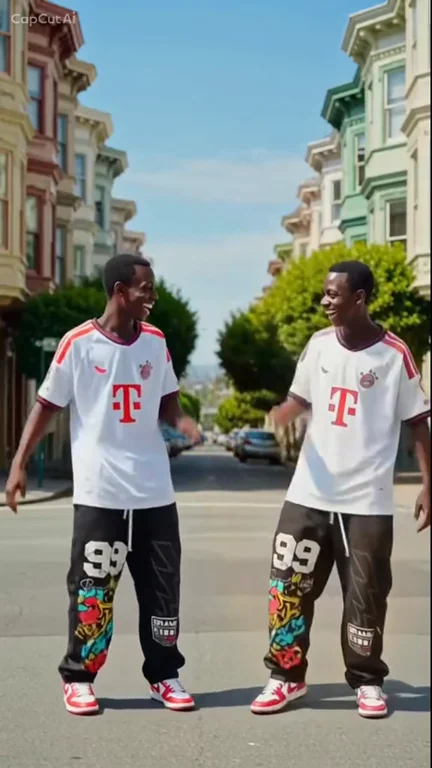
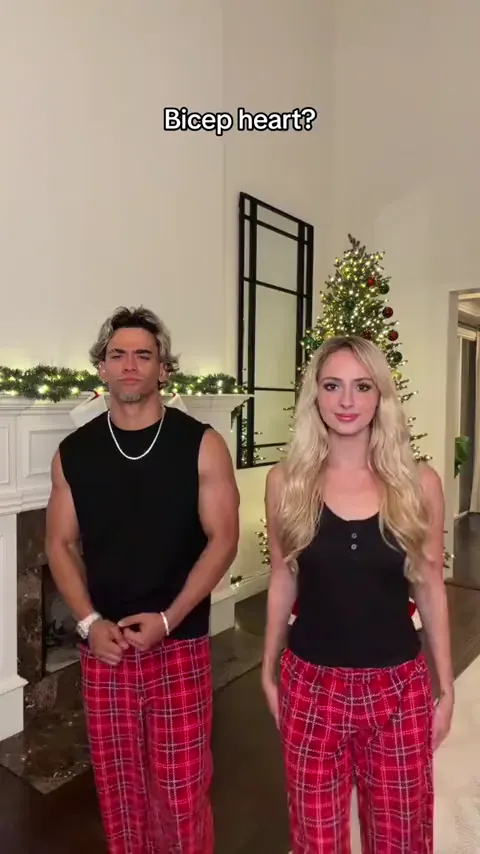
Put yourself and a friend in matching plaid pants and recreate the viral bicep heart pose with two photos.
Make thisUpload one photo to become the center lead in the Like Jennie AI Dance trend. The black-clad crew, studio lighting, and camera sequence stay in place while your face and outfit take the spotlight.
One photo · 9-second clip · 16:9 MP4 at 720p · 20 credits per generation
Choose your video cast
720p MP4Add one authorized adult portrait to take the center lead spot.
JPG / PNG / WebP · up to 10 MB
Selected template: 9s · 16:9 · 720p · 20 credits
Video generation costs 2 credits per reference second, rounded up to 5 credits. Templates up to 30 seconds are supported.
Generation usually takes 5–10 minutes once available. The workflow supports email delivery and one automatic retry.
Ref. 9s · ~20 credits · Result appears here
Preview a template, then select Make this to open its generator.
Lead a black-clad dance crew from one photo with the Like Jennie choreography.
Make thisWalk into the church scene from one portrait with the sign of the cross and a Damon smirk.
Make thisTurn one portrait into a dance with your sketch twin.
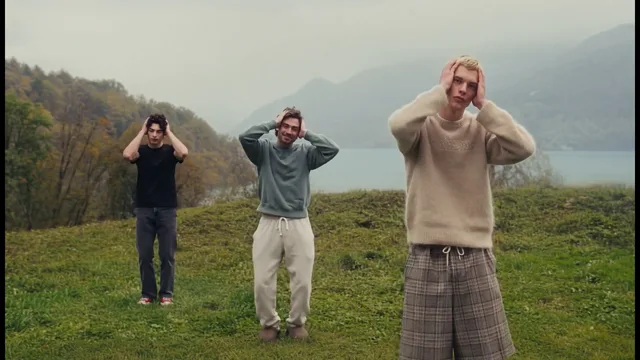
Make thisCast up to three dancers in the misty hilltop routine.
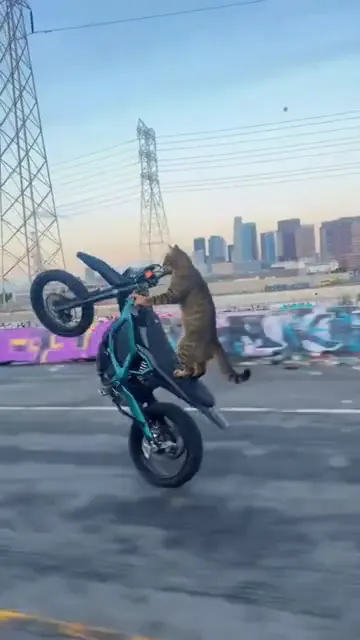
Make thisTurn one pet photo into a vertical Surron wheelie video.
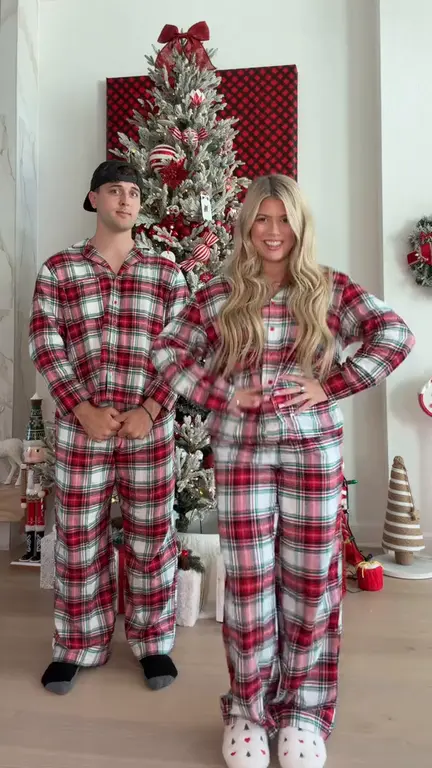
Make thisRecreate the Deck the Halls Christmas dance with one or two photos and a reference clip.
Make thisPut yourself and a friend in matching plaid pants and recreate the viral bicep heart pose with two photos.
Make thisTurn one photo into a playful baby dance video with the moves from the reference clip.
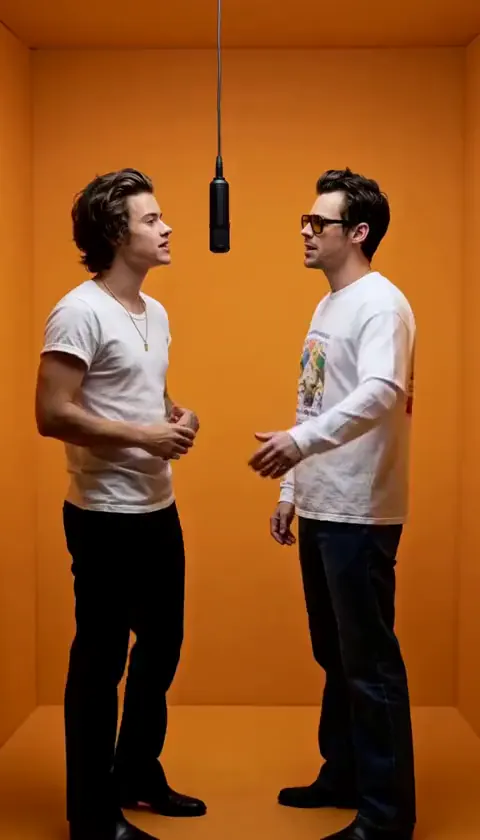
Make thisAdd two photos to put yourself and a friend in the orange booth and recreate the Hotel Lobby performance.
Make thisUpdated
— Added three Like Jennie dance-crew examples and a one-photo lead-dancer generator powered by a silent nine-second model reference.
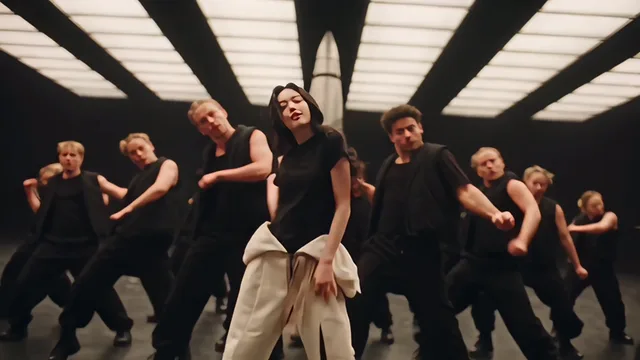
The clip opens on a tight close-up of the lead framed by two crew members, then cuts to wide frontal shots as the black-clad ensemble hits synchronized arm accents and stance changes. Angled and overhead shots reveal geometric formations, and the routine ends with dancers dropping to the floor around the standing lead.
The second and third demos share the same dark studio and choreography with different leads, so you can see how the template adapts to another face and outfit. The first demo shows the same routine in a bright white hall. The generator follows the second clip’s scene. Media.io’s Like Jennie trend page and SuperMaker’s template page describe the same lead-dancer effect and its photo requirements. This is an independent fan tool and is not affiliated with or endorsed by JENNIE, BLACKPINK, YG Entertainment, or ODD ATELIER.
Pick a sharp, well-lit solo photo that shows your face and outfit from the waist up or full body. A distinctive color helps the lead separate from the black-clad crew. Avoid group selfies, sunglasses, deep shadows, and hands covering the face. If your phone saved the photo as HEIC, export it to JPG before uploading.
Only upload photos you own or have explicit permission to use, and ask the person in the photo before posting the result. The AI follows the reference motion, but faces, hands, and outfit details can shift during the fastest cuts. Replay the close-up opening and the overhead finale before sharing.
For more approaches, see our guide to reference-guided AI video or browse short video ideas for your next edit.
It is a photo-to-video effect inspired by the choreography of JENNIE’s “like JENNIE.” One photo replaces the center lead dancer in a crew routine, while the backup dancers, studio set, lighting, and camera cuts follow the prepared reference.
One. Upload a sharp, well-lit photo of a single person with a visible face and outfit — a waist-up or full-body shot works better than a tight headshot. JPG, PNG, and WebP files up to 10 MB are accepted.
Only the center lead. Every backup dancer keeps their original appearance and formation. This template has no individual crew-slot controls and no pet mode.
No. The fixed template supplies the choreography, crew, and camera sequence — the close-up opening, wide formation shots, and overhead floor finale. You only provide the lead’s photo.
No. The gallery demos keep their original audio so you can hear the trend sound, but the model reference is silent and your generated clip ships without a licensed track. Add the sound available to your account in TikTok, Instagram Reels, or YouTube Shorts before posting.
This page builds the crew lead-swap: you star in front of a full dance crew in a 16:9 studio scene. A solo routine animates one dancer against the photo’s own setting, and a pet remix turns an animal photo into an upright dancing character. Those are separate effects with different inputs.
The edit tracks the lead through the close-up, group shots, and overhead angles, but fast moves and brief occlusions can shift hair, hands, or outfit details. Replay the full clip — especially the floor formation — before you download and post.
The three demos are free to watch. Generation uses a nine-second reference and costs 20 credits (2 credits per second, rounded to 5). You download a 16:9 720p MP4 for TikTok, Reels, and Shorts; preview any vertical crop so the side dancers stay visible.
One clear photo is all it takes to front a synchronized dance crew.
Make my Like Jennie AI Dance video