Choose a viral video template
Preview a supported reference clip and check its duration, aspect ratio, and available roles. A clear gesture, reveal, or reaction gives your version an easy-to-follow setup.
Choose a trending clip. Swap in your own photos. Get a watermark-free video you can post in minutes.
One or two photos · 720p · One-time credit packs
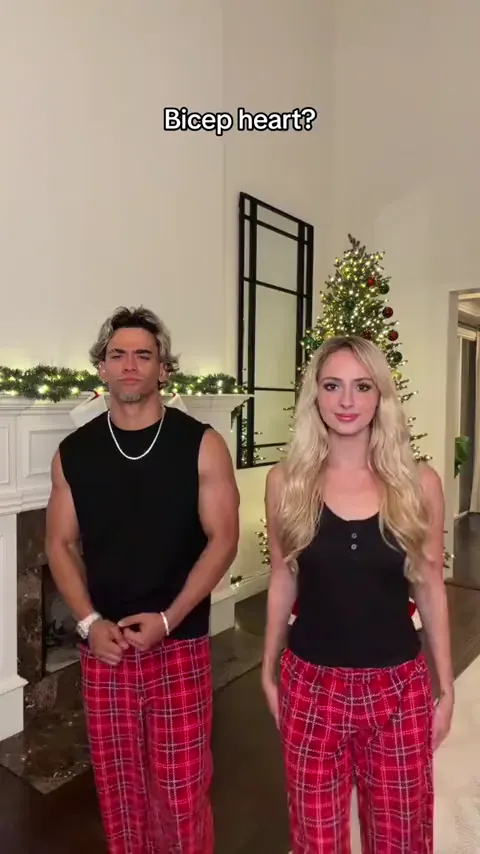
Bicep heart
Recreate a Viral Video with Your Photos
Preview your selected template, add one or two photos, and check the credit cost before you generate.
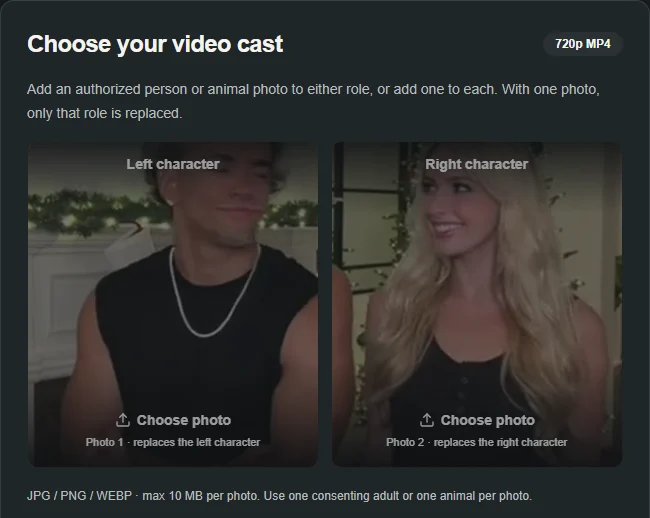
Choose your video cast
720p MP4Add an authorized person or animal photo to either role, or add one to each. With one photo, only that role is replaced.
JPG / PNG / WEBP · max 10 MB per photo. Use one consenting adult or one animal per photo.
Selected template: 9.53s · 9:16 · 720p · 20 credits
Video generation costs 2 credits per reference second, rounded up to 5 credits. Templates up to 30 seconds are supported.
Generation usually takes 5–10 minutes once available. The workflow supports email delivery and one automatic retry.
Ref. 9.53s · ~20 credits · Result appears here
Turn your photos into a short video based on a clip you can preview. Pick a template and add one or two photos to swap in the cast. The reference guides the scene, movement, and timing, and you can download the result as a 720p MP4.
How the video maker works
Preview a supported reference clip and check its duration, aspect ratio, and available roles. A clear gesture, reveal, or reaction gives your version an easy-to-follow setup.
Add a JPG, PNG, or WebP image for each role you want to replace. Use a clear photo of yourself, a consenting adult, or a pet. On a two-role template, you can replace one role and keep the other from the reference.
Check the credit cost and start generation. When your video is ready, play it back to check the likeness and motion, then download the 720p MP4 to edit or post in your chosen app.
Preview a template, then select Make this to open its generator.
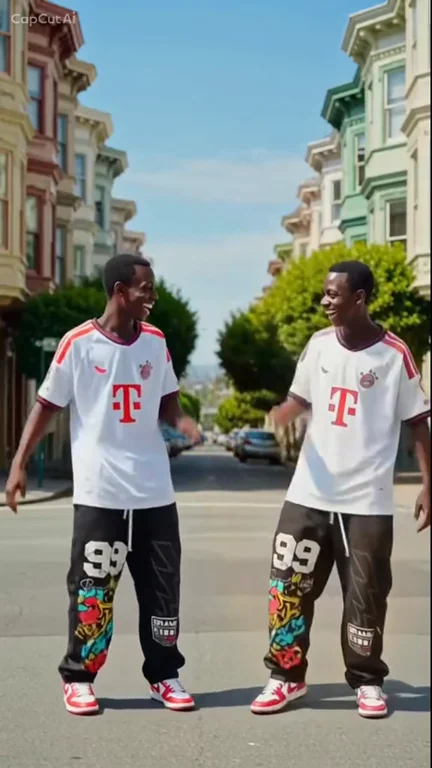
Turn one portrait into a dance with your sketch twin.
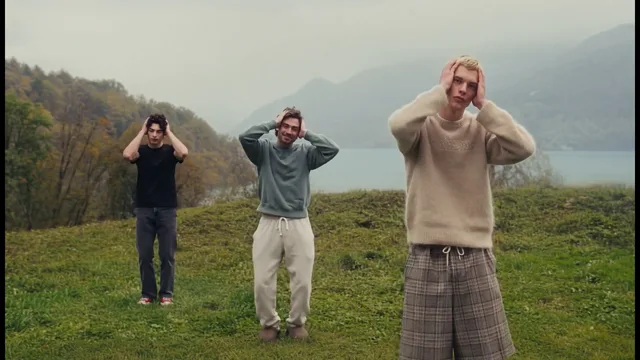
Make thisCast up to three dancers in the misty hilltop routine.
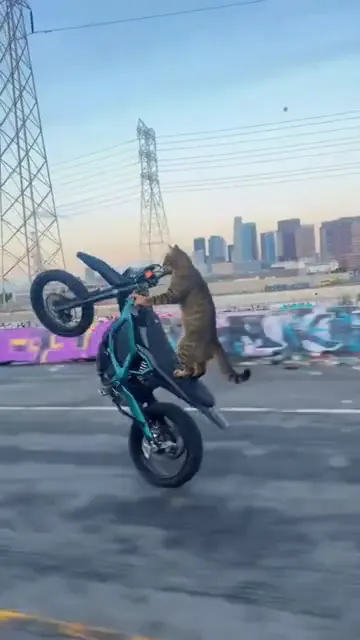
Make thisTurn one pet photo into a vertical Surron wheelie video.
Make thisRecreate the Deck the Halls Christmas dance with one or two photos and a reference clip.
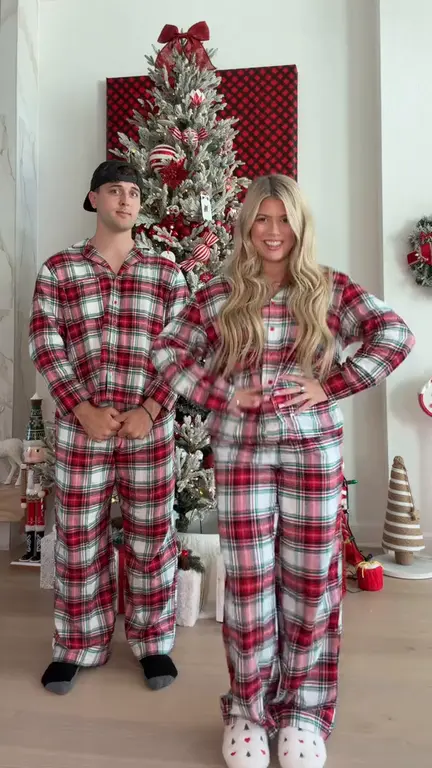
Make thisPut yourself and a friend in matching plaid pants and recreate the viral bicep heart pose with two photos.
Turn one photo into a playful baby dance video with the moves from the reference clip.
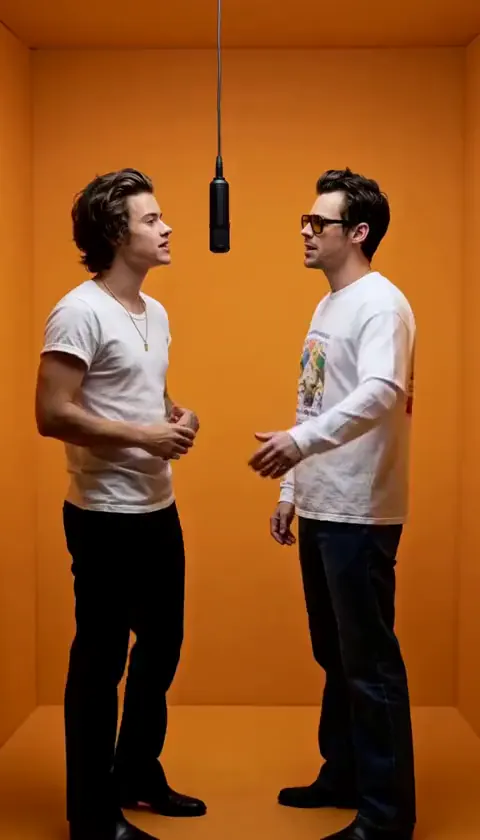
Add two photos to put yourself and a friend in the orange booth and recreate the Hotel Lobby performance.
Try a familiar TikTok or Reels format with a cast your audience recognizes.
Prototype variations of a hook or reaction before you commit to a shoot.
Use a two-role template to put both of you into the same scene.
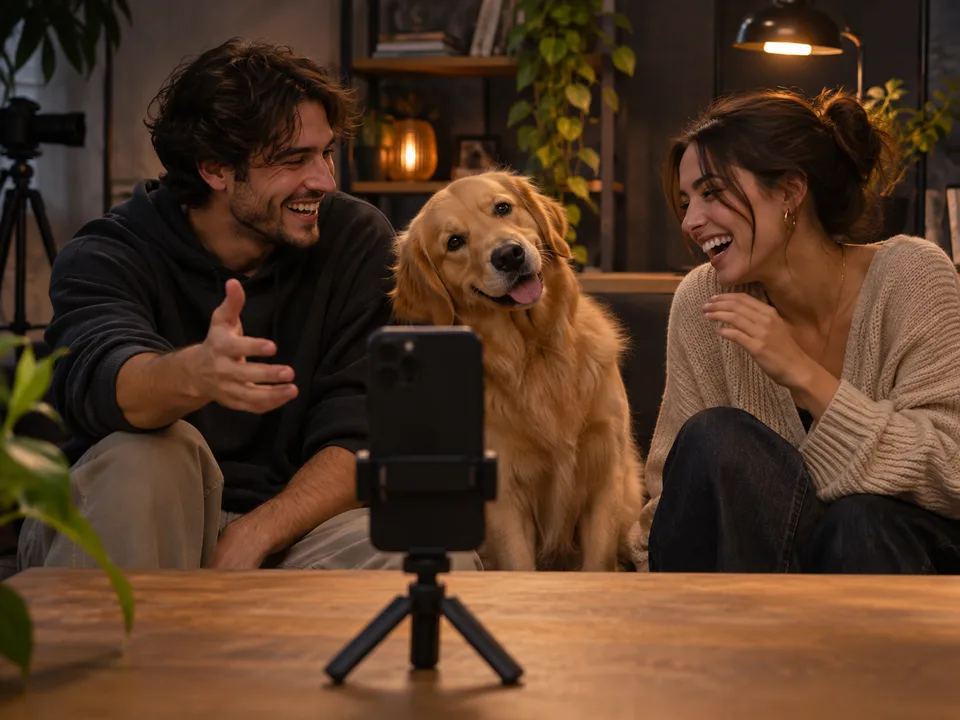
Give your cat or dog the lead in a short reaction or comedy clip.
Buy credits in a single payment and use them whenever you generate a video. Credits do not expire.
Selected template: 9.53s · 9:16 · 720p · 20 credits
One 10-second video · low-cost starter pack
US$4.99
one-time · USD · US$0.25/credit
For videos of 15–21 seconds
US$8.79
one-time · USD · US$0.18/credit
One 30-second video with 20 credits left over
US$12.99
one-time · USD · US$0.16/credit
Multiple generations · best per-credit value
US$29.90
one-time · USD · US$0.15/credit
720p · 2 credits/second, rounded up to 5. Confirmed failed generations return the credits spent.
An AI viral video generator helps you make short videos inspired by popular formats. With this tool, you start from an existing video template and use your photos to personalize the people or characters in the scene.
Choose a supported reference, upload photos for the roles you want to replace, and start generation. Preview the result and download it as an MP4.
The reference guides the scene, motion, and timing. Your photos tell the AI who should appear in the selected roles. Clear portraits help the model identify the subject, and you can check the likeness and movement in the finished preview.
Yes. Choose a supported vertical template and assign your photo to a role. Download the finished MP4 and upload it to TikTok, Instagram Reels, or YouTube Shorts in the platform’s app.
Yes, when the selected template has two roles. Assign one photo to each role, or upload just one photo to personalize a single role.
Yes. Use a clear photo with one animal and assign it to an available role. A simple pose and an unobstructed face make the pet easier to recognize in the result.
This workflow starts with a supported reference video and one or two photos. Choose the template that has the motion and timing you want.
Upload JPG, PNG, or WebP photos. The generator exports a 720p MP4 and displays the selected template’s aspect ratio. Choose a 9:16 template for a full-screen vertical clip.
Generation costs 2 credits per second of the reference clip, rounded up to a multiple of 5 credits. For example, a 12-second template costs 25 credits. You can see the exact cost before generating, and confirmed failures return the credits spent.
You can browse templates, watch examples, and read the guides for free. Generating a video uses credits from a one-time pack. Purchased credits do not expire.
The generator estimates about 5–10 minutes. Processing continues in the background, and you can return to check the task and download the result when it is ready.
Virality cannot be guaranteed. The opening hook, audience fit, watch time, and distribution all affect how a video performs. You can use the generator to try different creative ideas and see which ones your audience responds to.