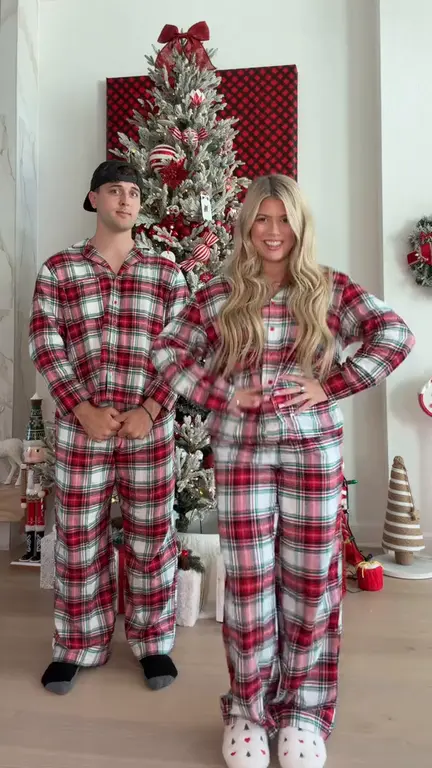
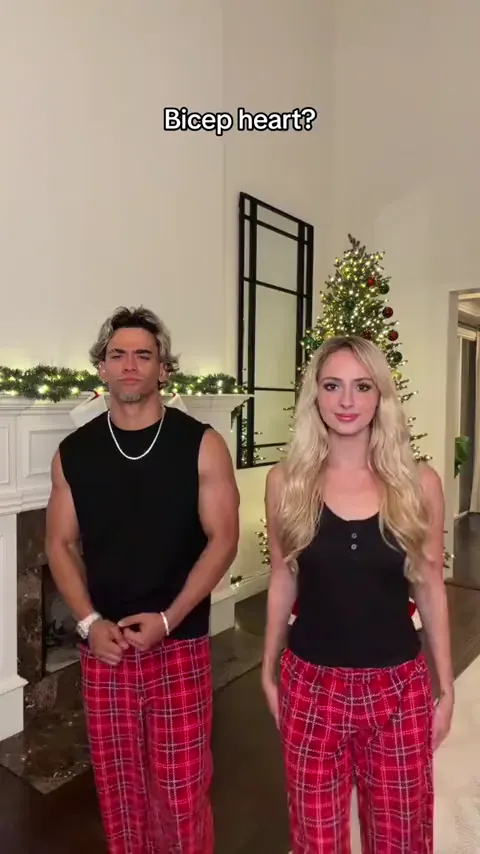
Bicep heart
Put yourself and a friend in matching plaid pants and recreate the viral bicep heart pose with two photos.
Make thisUpload one photo to star in the Talk to Me Doja trend. A close-up opens into a full-body stand, the blonde anime stickers appear, and your photo performs the shy cheek-cupping sway on beat.
One photo · 14 seconds · 9:16 MP4 at 720p · 30 credits per generation
Choose your video cast
720p MP4Add one authorized adult portrait to take the performer spot.
JPG / PNG / WebP · up to 10 MB
Selected template: 14s · 9:16 · 720p · 30 credits
Video generation costs 2 credits per reference second, rounded up to 5 credits. Templates up to 30 seconds are supported.
Generation usually takes 5–10 minutes once available. The workflow supports email delivery and one automatic retry.
Ref. 14s · ~30 credits · Result appears here
Preview a template, then select Make this to open its generator.
Do the shy cheek-cupping anime sway from one photo with the Talk to Me Doja trend.
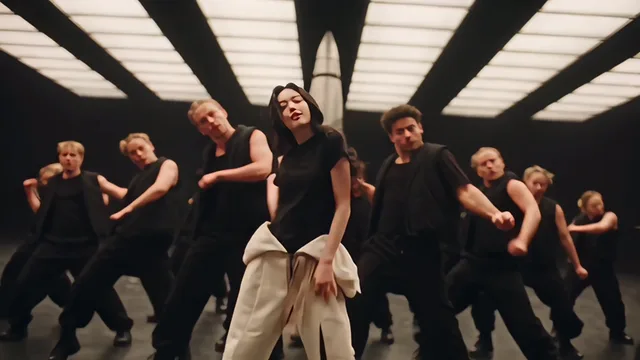
Make thisLead a black-clad dance crew from one photo with the Like Jennie choreography.
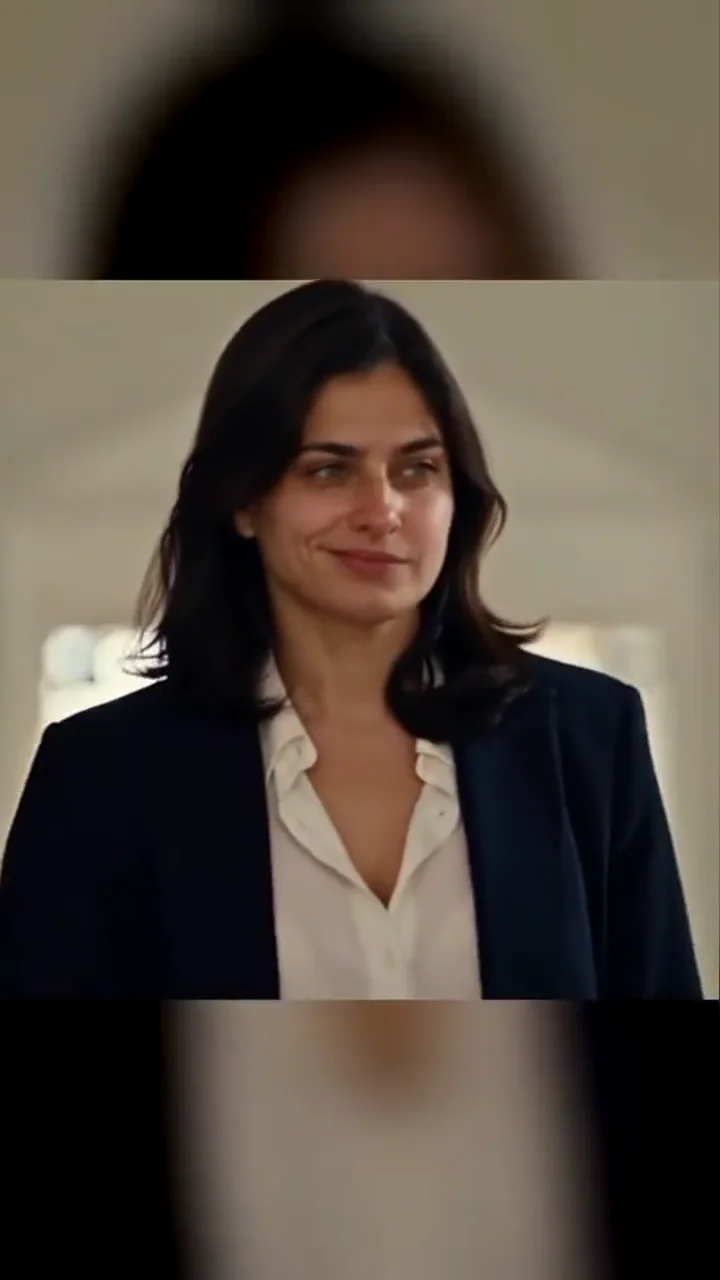
Make thisWalk into the church scene from one portrait with the sign of the cross and a Damon smirk.
Make thisTurn one portrait into a dance with your sketch twin.
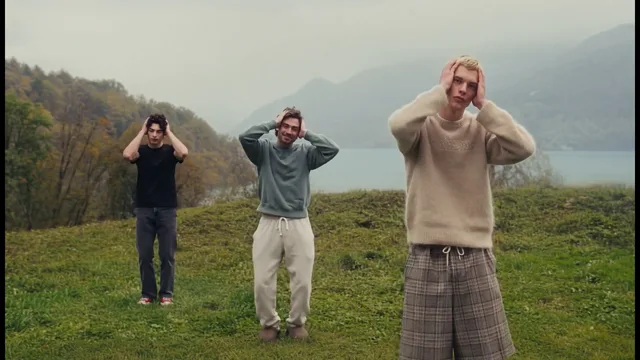
Make thisCast up to three dancers in the misty hilltop routine.
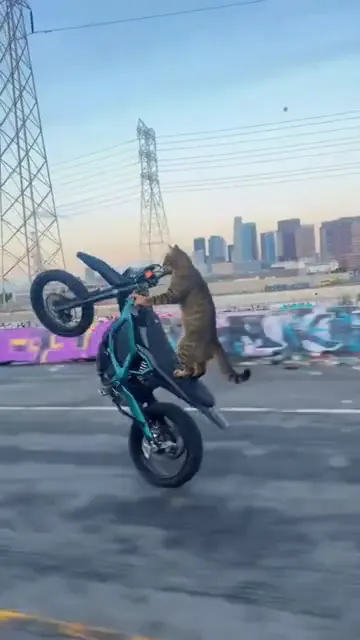
Make thisTurn one pet photo into a vertical Surron wheelie video.
Make thisRecreate the Deck the Halls Christmas dance with one or two photos and a reference clip.
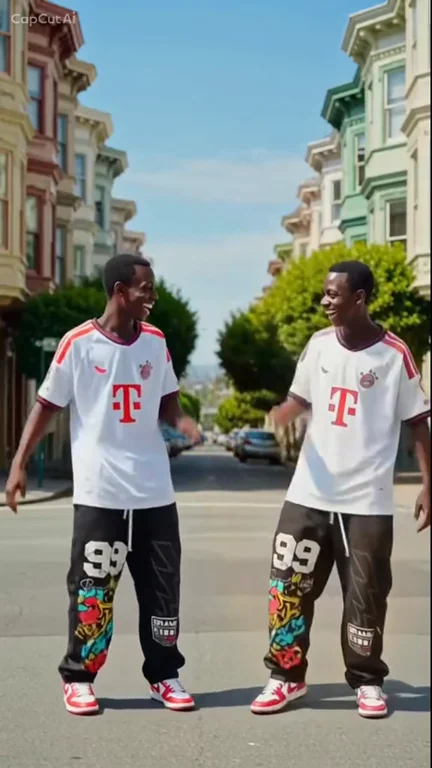
Make thisPut yourself and a friend in matching plaid pants and recreate the viral bicep heart pose with two photos.
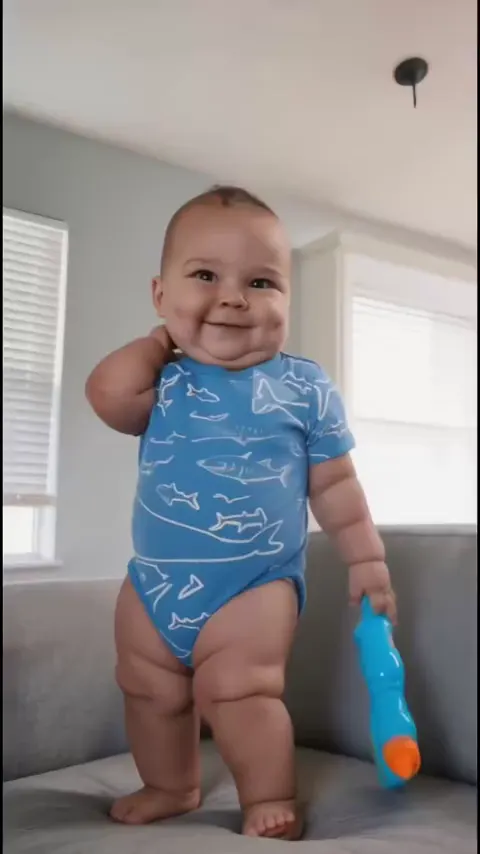
Make thisTurn one photo into a playful baby dance video with the moves from the reference clip.
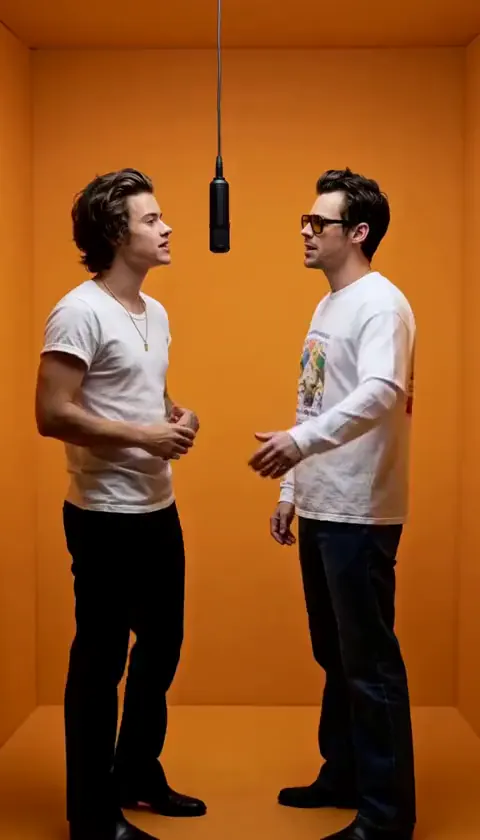
Make thisAdd two photos to put yourself and a friend in the orange booth and recreate the Hotel Lobby performance.
Make thisUpdated
— Added three Talk to Me Doja cheek-cupping examples and a one-photo generator powered by a silent 14-second model reference with the anime stickers preserved.
The clip opens on a tight close-up with a sideways glance, then the camera settles on a full-body shot as the performer stands with relaxed arms and a gentle sway. A blonde anime sticker — Urara Shiraishi cupping her cheeks against a blue-sky frame — pops in at the lower left, followed by a second copy at the upper right. The performer mirrors the sticker: both hands cup the cheeks, the expression goes flustered and open-mouthed, and the hips keep swaying until the hands drop into a closing smile.
The trend is built on a sped-up edit of Doja Cat’s “Like That” featuring Gucci Mane, and “Talk to me Doja” is the caption people post it with rather than the song’s title. TalkToMeDojaAI, TalkToMeDoja, and Media.io’s cheek-cupping sway page describe the same one-photo effect. This is an independent fan tool and is not affiliated with or endorsed by TikTok, CapCut, ByteDance, Doja Cat, her record labels, Gucci Mane, or the makers of Yamada-kun and the Seven Witches.
Pick a recent, sharp, front-facing photo that shows your face and outfit from the waist up or full body, with even lighting and room around the arms so the cheek-cupping pose stays in frame. Avoid group selfies, sunglasses, heavy filters, and hands covering the face. If your phone saved the photo as HEIC, export it to JPG before uploading.
Only upload photos of yourself or of an adult who explicitly agreed to take part — no minors, strangers, or celebrities. The AI follows the reference motion, but fingers, hair, and outfit details can shift while the hands are on the face, so replay those moments before you download and post with the platform’s AI-generated label.
For more approaches, see our guide to reference-guided AI video or browse short video ideas for your next edit.
It is a photo-to-video effect that recreates the viral shy anime-girl reaction. The clip opens on a close-up, settles into a full-body stand, and then blonde anime stickers appear while the performer cups their cheeks and sways like they just got noticed by Doja Cat. Early posts used the caption “speak to me doja.”
The blonde girl is Urara Shiraishi from episode one of Yamada-kun and the Seven Witches (2015). Her hands-on-cheeks, flustered reaction is the pose the trend imitates, and her stickers stay baked into the reference clip.
The standard edit uses a sped-up version of “Like That” by Doja Cat featuring Gucci Mane (2019). “Talk to me Doja” is a caption for the meme, not the song title. It is not the Playboi Carti “talk to me” sound or Central Cee’s track “Doja.”
One. Upload a sharp, well-lit photo of a single adult with a clearly visible face and outfit — a waist-up or full-body shot works better than a tight headshot. JPG, PNG, and WebP files up to 10 MB are accepted.
No. The fixed 14-second reference supplies the close-up, camera framing, sticker entrances, cheek-cupping pose, sway timing, and closing smile. You only provide the performer’s photo.
The anime stickers are part of the reference and stay on screen at the same moments. The gallery demos keep their original trend audio so you can hear the timing, but the model reference is silent, so your generated clip ships without a licensed song. Add the sound available to your account in TikTok, Reels, or Shorts before posting.
The three demos are free to watch. Generation uses a 14-second reference and costs 30 credits (2 credits per second, rounded to 5). You download a 9:16 720p MP4 with no watermark, ready for TikTok, Instagram Reels, and YouTube Shorts.
Only upload photos you own or have explicit permission to use, and enable the platform’s AI-generated label when you post. This is an independent fan tool and is not affiliated with TikTok, CapCut, ByteDance, Doja Cat or her labels, Gucci Mane, or the Yamada-kun and the Seven Witches rights holders. Review the face and hands before sharing.
One clear photo is all it takes to do the shy anime cheek-cupping sway.
Make my Talk to Me Doja video