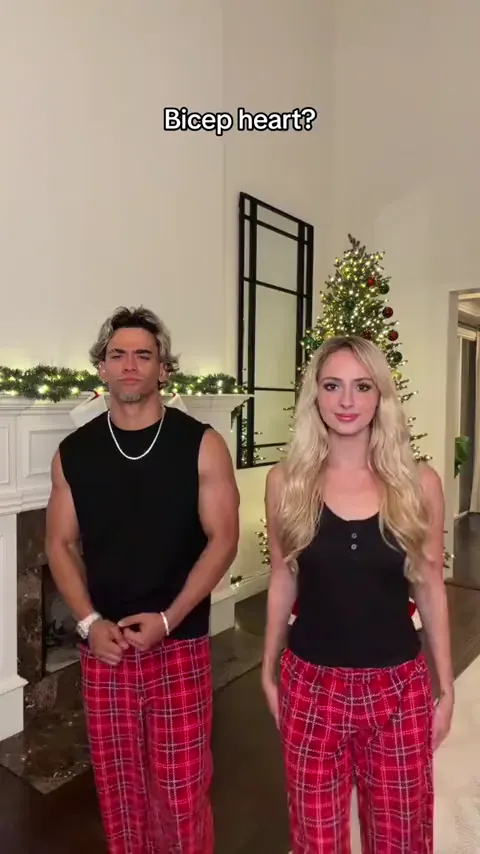
Bicep heart
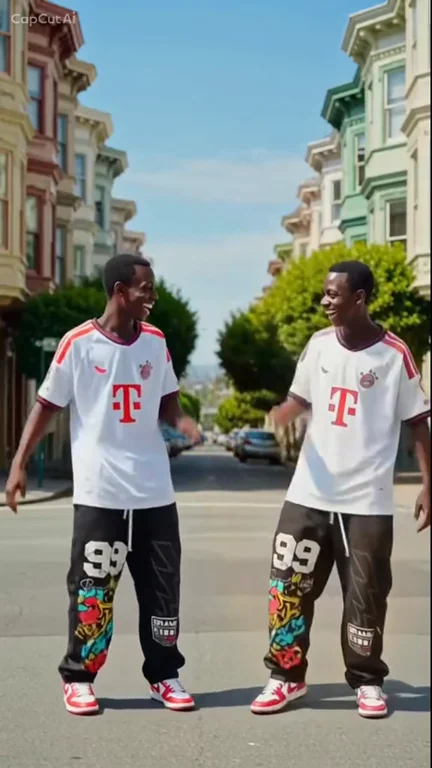
Put yourself and a friend in matching plaid pants and recreate the viral bicep heart pose with two photos.
Make thisUpload one or two photos to take the hanging mic in the Give It All trend. The orange booth, the suspended microphone, and the back-and-forth rap performance stay exactly as rehearsed while your photos replace one or both performers.
One or two photos · 15-second clip · 4:7 vertical MP4 at 720p · 35 credits per generation
Choose your video cast
720p MP4Add an authorized person or animal photo to either role, or add one to each. With one photo, only that role is replaced.
Selected template: 15.08s · 4:7 · 720p · 35 credits
The model is instructed to keep the audio from the clip used for generation. Check the finished video before posting.
JPG / PNG / WEBP · max 10 MB per photo. Use one consenting adult or one animal per photo.
Generation usually takes 5–10 minutes once available. The workflow supports email delivery and one automatic retry.
Ref. 15.08s · ~35 credits · Result appears here
Preview a template, then select Make this to open its generator.
Do the shy cheek-cupping anime sway from one photo with the Talk to Me Doja trend.
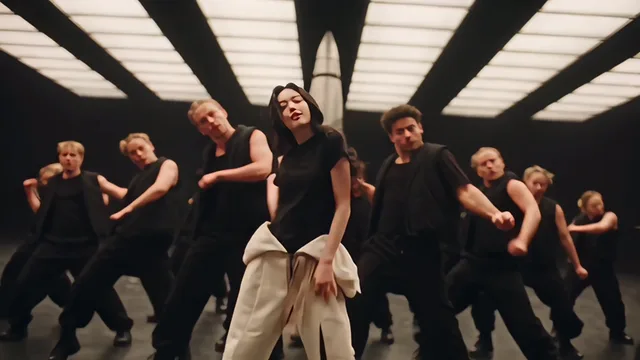
Make thisLead a black-clad dance crew from one photo with the Like Jennie choreography.
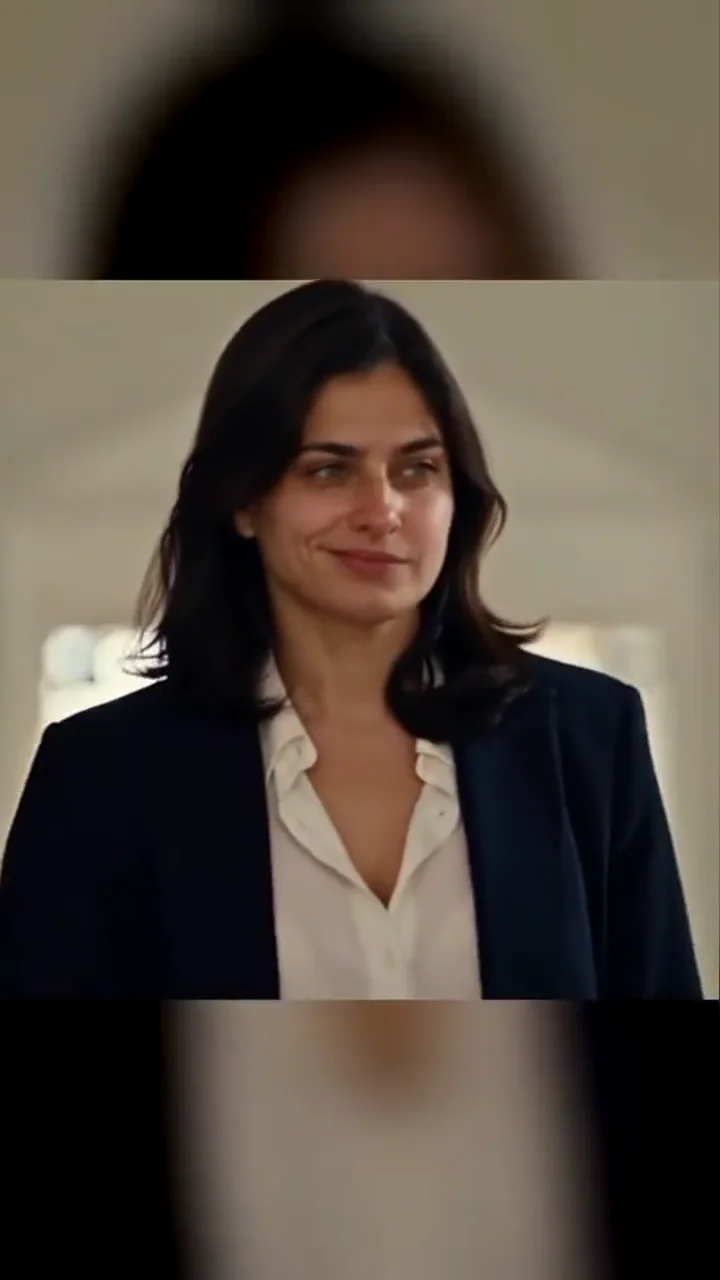
Make thisWalk into the church scene from one portrait with the sign of the cross and a Damon smirk.
Make thisTurn one portrait into a dance with your sketch twin.
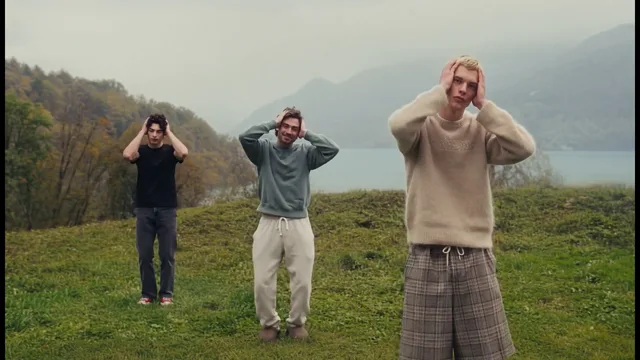
Make thisCast up to three dancers in the misty hilltop routine.
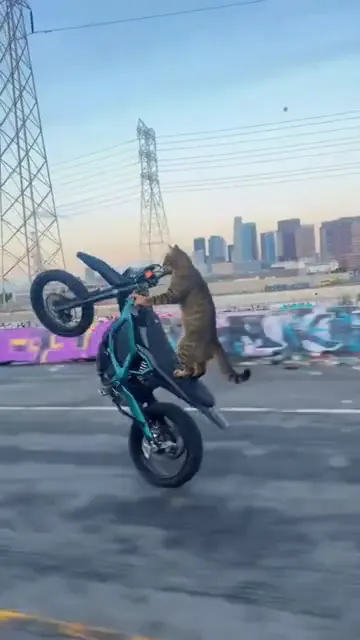
Make thisTurn one pet photo into a vertical Surron wheelie video.
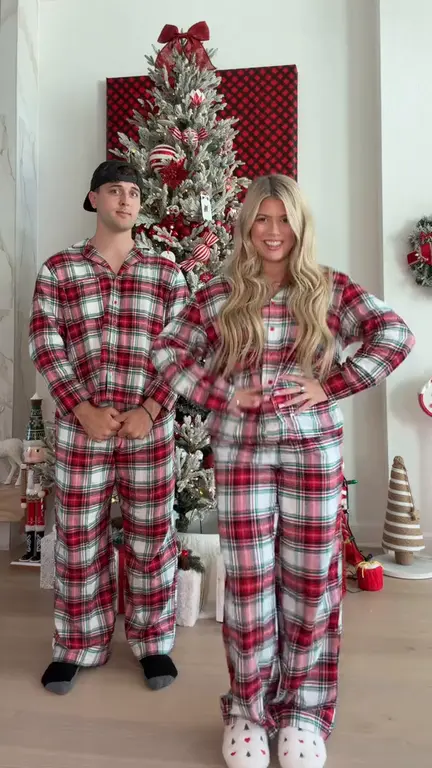
Make thisRecreate the Deck the Halls Christmas dance with one or two photos and a reference clip.
Make thisPut yourself and a friend in matching plaid pants and recreate the viral bicep heart pose with two photos.
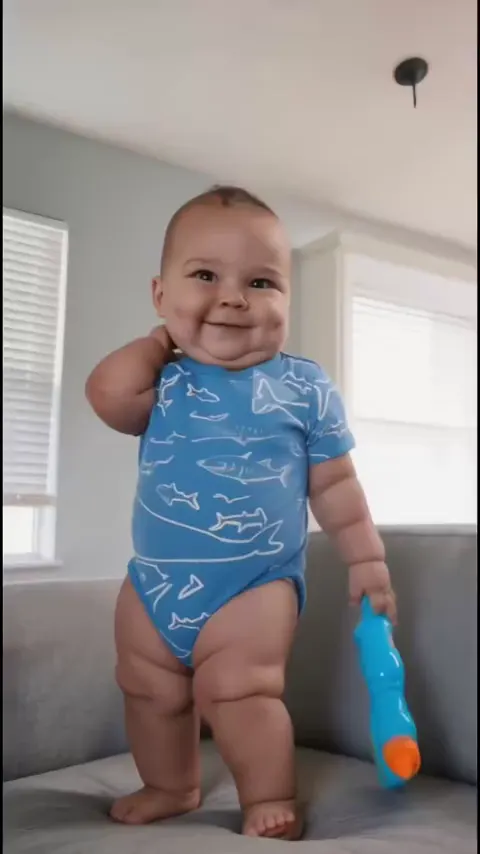
Make thisTurn one photo into a playful baby dance video with the moves from the reference clip.
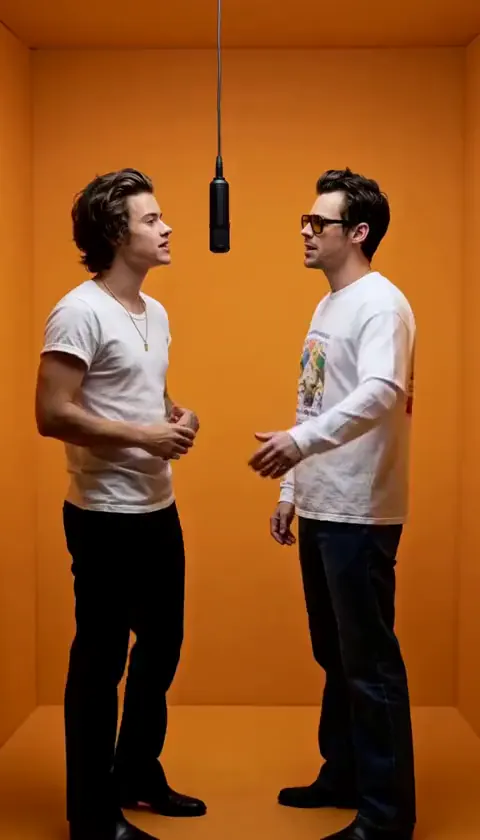
Make thisAdd two photos to take the hanging mic and recreate the Give It All Hotel Lobby rap performance in the orange booth.
Make thisUpdated
— Added the Give It All hanging mic landing page with a cinema-lobby trend demo and connected the existing two-photo Hotel Lobby template as its generator, so the homepage Hotel Lobby card now opens this page.
The trend demo opens inside a warm cinema-lobby set: a vintage condenser microphone hangs from the ceiling, a rapper in a red suit works the mic with eyes closed and one hand raised, and a crowd of supporters fills the background, clapping, filming, and echoing the ad-libs. The camera alternates between wide room shots that show the lobby signage and tighter pushes toward the mic. Posts often tag this format as a BigXthaPlug-style From The Block hanging-mic performance.
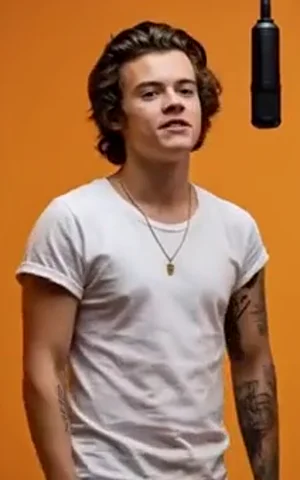
The generator follows a second, cleaner reference: two performers in white tees stand inside a flat orange booth, trading bars at the same kind of suspended microphone across a 15-second take. One gestures on the left while the other answers on the right, then both lean into the mic together. The booth, lighting, camera framing, gestures, and audio timing are fixed; only the assigned performers are replaced.
You will see the same edit posted under several names — Give It All, hanging mic rap, Hotel Lobby, and sometimes Migos Hotel Lobby — because viewers recognize the setup faster than any single song title. This is an independent fan tool and is not affiliated with or endorsed by BigXthaPlug, the From The Block series, Migos, their record labels, or the original rights holders.
Pick recent, sharp, front-facing portraits where the face and upper body are clearly lit. Both reference performers stand close to the mic in a waist-up frame, so a chest-up photo with a little headroom matches the camera better than a tight headshot or a full-body crop. Avoid sunglasses, caps that shade the eyes, heavy filters, and hands covering the mouth — the model has to carry rapping expressions through the whole take. If your phone saved the photo as HEIC, export it to JPG first.
When you replace both performers, choose two photos with different outfits or hair colors so the left and right roles stay easy to tell apart, and never reuse a group selfie for both slots. Only upload photos of yourself or consenting adults. Faces, teeth, and hands can shift during the fastest gestures, so replay the mic-trading moments before you download and post with the platform’s AI-generated label.
Search demand for this effect splits across three vocabularies. “Give it all hanging mic ai trend” describes the red-suit cinema-lobby performance, “migos ai video generator” and “migos hotel lobby ai” point at the same suspended-mic rap setup through a different artist association, and “hotel lobby ai video generator” names the orange-booth two-person version. They are one maker intent with several captions, not separate effects, so this page targets all three names instead of creating a second, near-identical page that would compete for the same searches.
The generator here builds the orange-booth Hotel Lobby reference: two roles, one or two photos, and a 15-second vertical clip with the original audio direction preserved. The solo red-suit cinema-lobby remake is not a separate template — the first gallery clip shows that variant as a trend example, and the generator always follows the orange-booth reference in the second card.
The reference clip keeps its own audio and the model tries to preserve it, but generated lip-sync is not guaranteed. If you want the official chart sound, mute the download and add the track your account is licensed to use inside TikTok, Reels, or Shorts. For more approaches, see our guide to reference-guided AI video or browse short video ideas for your next edit.
It is a photo-to-video effect that puts you into a hanging-mic rap performance. A vintage microphone hangs from the ceiling while the performer raps to camera in a cinema-lobby or orange-booth set, with the crowd reactions and camera moves baked into the reference clip. You may also see it called the hanging mic AI trend, a From The Block-style rap edit, or the Hotel Lobby trend.
Mostly yes — makers use the names interchangeably. Searches for “migos ai video generator,” “hotel lobby ai video generator,” and “give it all hanging mic ai trend” describe the same intent: stand at the suspended mic and perform a short rap verse. This page builds the orange-booth, two-performer Hotel Lobby version. The red-suit cinema-lobby clip in the gallery is a trend example rather than a separate generator.
One or two. The reference has a left and a right performer in the orange booth, and each photo slot replaces one of them. Upload two photos to replace both, or one photo to take a single role while the other performer keeps their original appearance. Use sharp JPG, PNG, or WebP files up to 10 MB with the face clearly visible.
The first gallery clip shows the cinema-lobby version of the trend — a red-suited rapper, a hanging vintage mic, and a live crowd — so you can see the vibe people post. Generation follows the second clip: the orange Hotel Lobby booth with two performers trading bars at the same kind of suspended microphone. Both are hanging-mic rap scenes; only the second one is wired to the model.
The orange-booth reference ships with its own audio, and the model is instructed to preserve the original voices, timing, and sound. AI lip-sync is not perfect, so replay the verse before posting. If you would rather use the official sound, mute the download or add the licensed track available to your account inside TikTok, Instagram Reels, or YouTube Shorts.
The generator outputs a vertical 720p MP4 at 720 × 1260, which is a 4:7 frame rather than exact 9:16. It plays full-width in TikTok, Reels, and Shorts feeds, where the slight crop is barely noticeable because the performers stay centered. A separate 9:16 export or a landscape 16:9 render is not offered for this template.
Watching the gallery demos is free. Generation uses the 15.08-second reference at 2 credits per second, rounded to 5, so each video costs 35 credits. You download a 720p vertical MP4 with no watermark, ready for TikTok, Reels, or Shorts. Credits never expire and confirmed failed generations return the credits spent.
Only upload photos of yourself or of consenting adults who agreed to take part — no minors, strangers, or celebrities, and no group selfies cropped down to one face. Check each subject across the full clip, enable the platform’s AI-generated label when you post, and make sure you have rights to any audio. This is an independent fan tool, not affiliated with BigXthaPlug, the From The Block series, Migos, or their labels.
One or two photos are all it takes to grab the mic in the Hotel Lobby booth.
Make my Give It All AI video